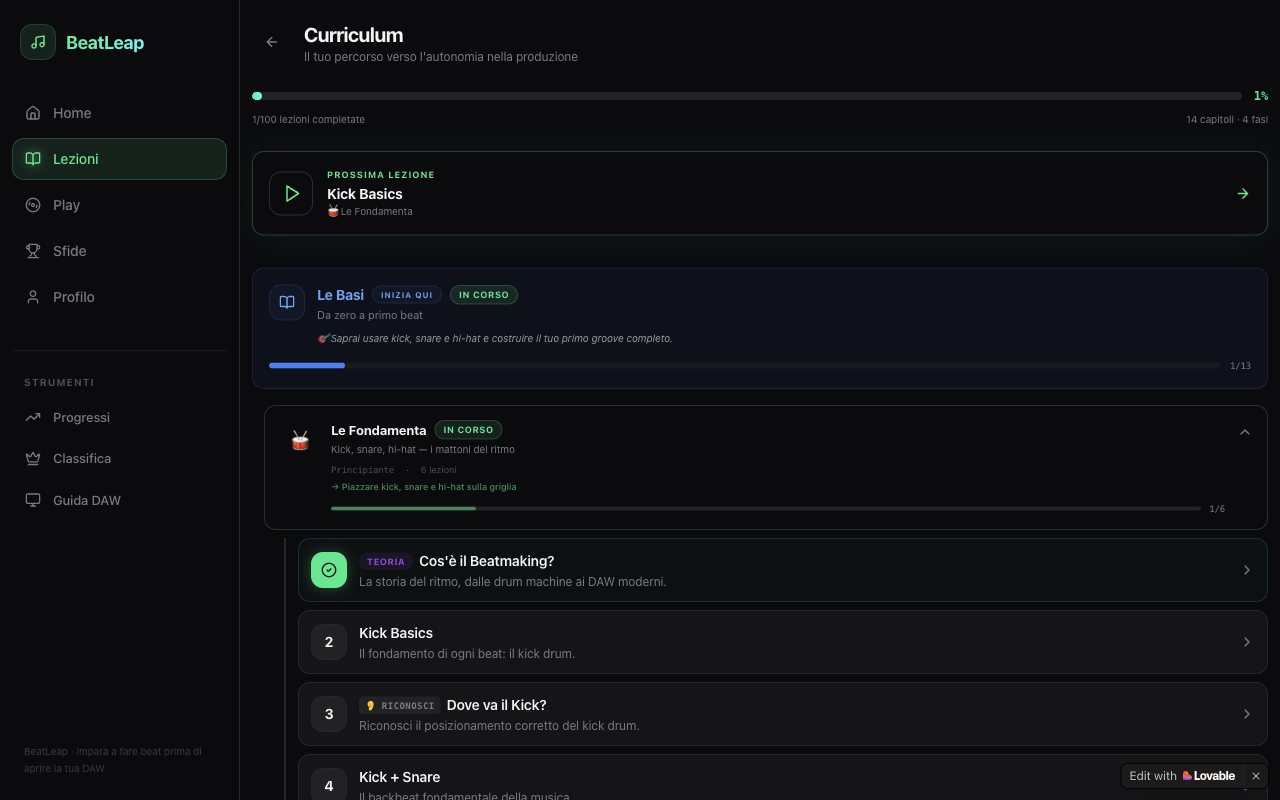
A real curriculum
Lessons are grouped into chapters and phases, and mix theory, ear training (where does the kick go?), small decisions, a final project and a test to unlock the next chapter.
Duolingo for beat-making: short interactive lessons on a 16-step grid that teach rhythm and genre logic before you open a DAW, then show you how to rebuild each beat in FL Studio, Ableton or Logic Pro.
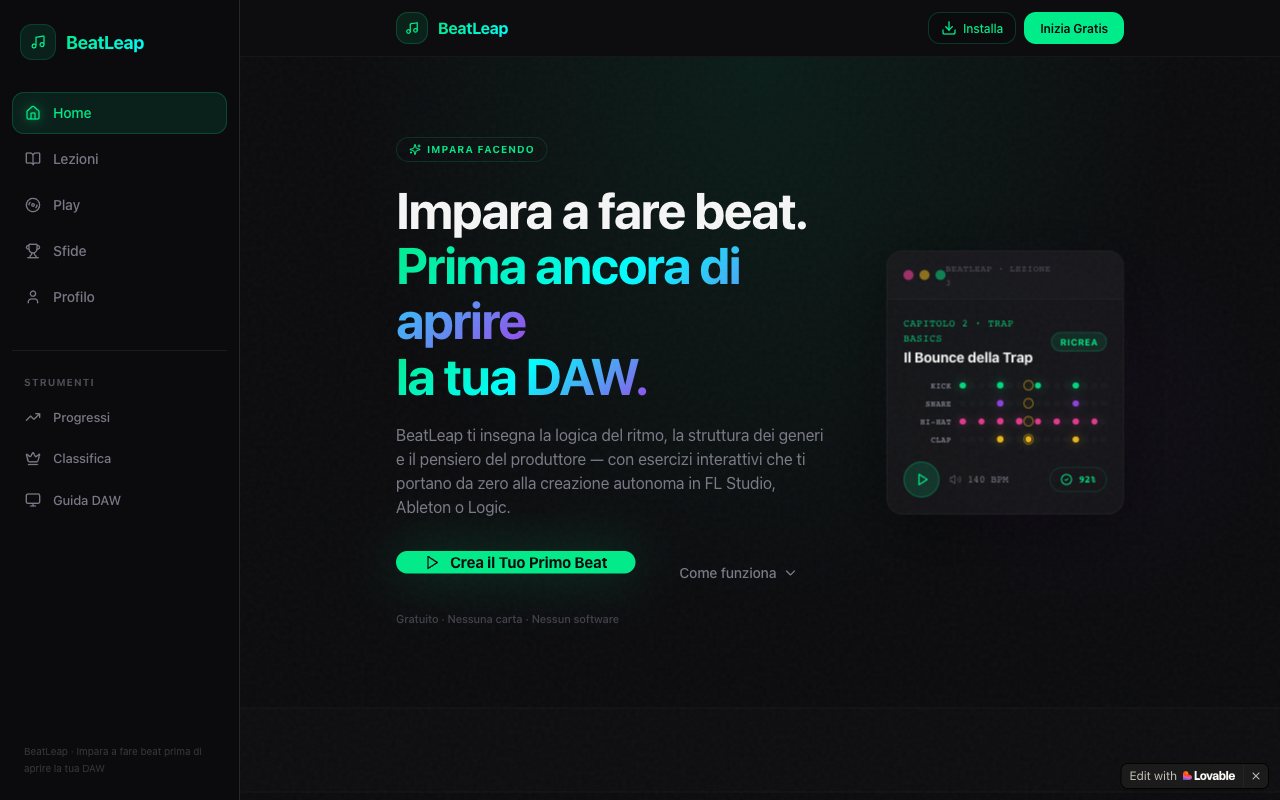
Beginners open a DAW and find hundreds of controls and no guidance. Tutorials are passive: you watch for hours, copy a beat and still don't know why it works.
Lessons are grouped into chapters and phases, and mix theory, ear training (where does the kick go?), small decisions, a final project and a test to unlock the next chapter.
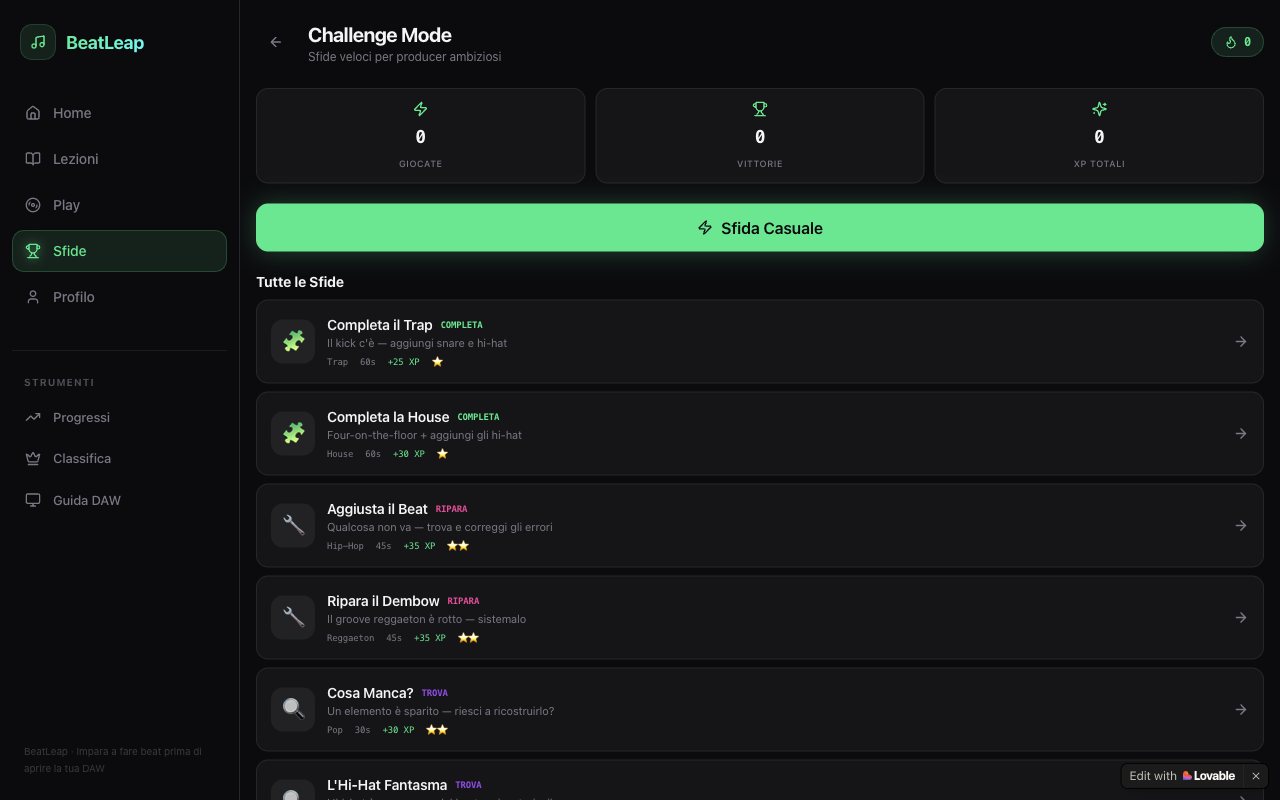
Short timed challenges to practise what you learned: fix a broken reggaeton groove, rebuild a missing hi-hat, finish a trap beat. Each one earns XP.
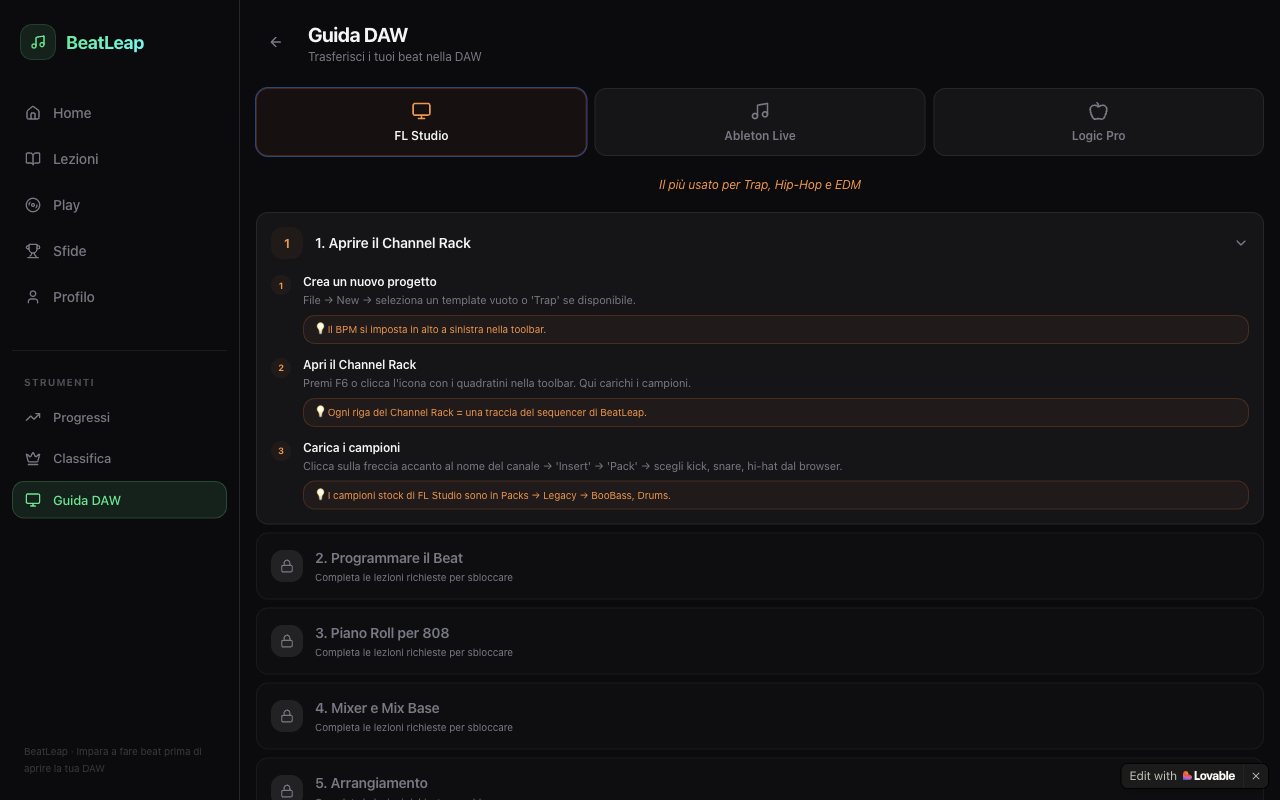
A step-by-step guide for FL Studio, Ableton and Logic Pro, unlocked as you progress, so the beat you built in BeatLeap can be rebuilt in a real DAW.
The hard part was not the grid but making the theory simple without hollowing it out. Every lesson has to explain why a rhythm works, not be trivia you never use.
Test the first chapters with people who have never made a beat, and measure how many of them get to the DAW step.
Names, reviews and figures shown in the screenshots are demo data, made up for presentation.